Introduction
Nvu 1.0 PC Software Creating websites has traditionally required knowledge of HTML, CSS, and JavaScript. For beginners or small business owners, learning these coding languages can be time-consuming and intimidating. Nvu 1.0 PC Software provides a solution by offering a free, user-friendly web editor that allows users to design websites visually without writing code.
Nvu is ideal for hobbyists, bloggers, and small businesses who want to create professional-looking websites quickly. With its WYSIWYG (What You See Is What You Get) interface, users can focus on design and content while the software generates clean, standards-compliant HTML in the background. Version 1.0 brings simplicity, stability, and essential web design features for Windows users.
Overview of Nvu 1.0
Nvu 1.0 is a desktop application for Windows that allows users to design, edit, and publish websites visually. Unlike complex web development tools, Nvu simplifies web design by presenting a graphical interface where users can drag and drop elements, format text, insert images, and create links without needing technical expertise.
This software is particularly suitable for small projects, personal websites, or educational purposes. Version 1.0 focuses on accessibility, reliability, and compatibility with modern web standards while keeping the interface straightforward and beginner-friendly.
Description
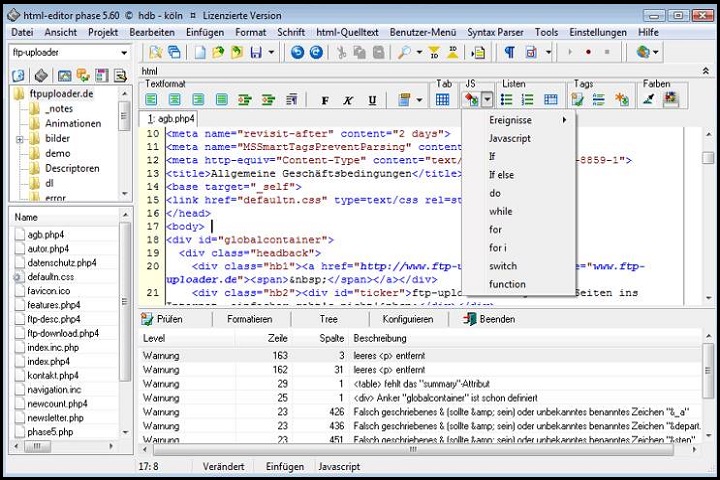
Nvu 1.0 combines the simplicity of a word processor with the functionality of a web editor. Users can create entire web pages without touching a single line of code. The software supports essential HTML elements, tables, lists, and forms, allowing for versatile page layouts.
One of Nvu’s key advantages is its built-in site manager. This feature helps users organize multiple web pages, manage links, and synchronize changes between local files and web servers. Nvu supports FTP publishing, enabling users to upload websites directly to their hosting accounts.
The software is lightweight, consumes minimal system resources, and is fully compatible with Windows PCs. Even users with no prior experience in web development can create functional, visually appealing websites.
Key Features of Nvu 1.0
1. WYSIWYG Web Editing
Design web pages visually with real-time previews of how the site will appear in a browser.
2. Easy Drag-and-Drop Interface
Insert images, text boxes, and tables effortlessly using the intuitive interface.
3. Built-In Site Manager
Organize multiple web pages, manage links, and keep files synchronized with your website.
4. HTML and CSS Support
Automatically generates clean HTML and supports custom CSS for advanced styling.
5. FTP Publishing
Upload your website directly to your hosting server from within the software.
6. Table and List Editing
Create tables, lists, and forms easily without manual coding.
7. Link Management
Easily create and manage internal and external links for smooth navigation.
8. Cross-Browser Compatibility
Generated HTML is compatible with most modern web browsers.
9. Lightweight and Fast
Optimized for speed and low memory usage, making it suitable even for older PCs.
10. Ideal for Beginners
No coding knowledge required, making it perfect for hobbyists and small business owners.
How To Install Nvu 1.0
Installing Nvu 1.0 on Windows is simple and quick:
-
Download the Installer
Download the Nvu 1.0 setup file from the official website or a trusted source. -
Run the Setup File
Double-click the installer to launch the installation wizard. -
Accept License Agreement
Read and accept the terms to proceed. -
Select Installation Folder
Choose the default directory or specify a custom location. -
Complete Installation
Click Install and wait for the setup process to finish. -
Launch Nvu
Open the software from the desktop shortcut or Start Menu. -
Start Designing Your Website
Create a new project, add web pages, and begin designing with the WYSIWYG editor.
System Requirements
Before installing Nvu 1.0, ensure your system meets the following requirements:
Minimum System Requirements
-
Operating System: Windows XP, 7, 8, 10, or 11
-
Processor: 500 MHz Intel or AMD processor
-
RAM: 128 MB
-
Storage: 50 MB free disk space
-
Display: 800 × 600 resolution